Q1. What is included in the Remodo VC package?
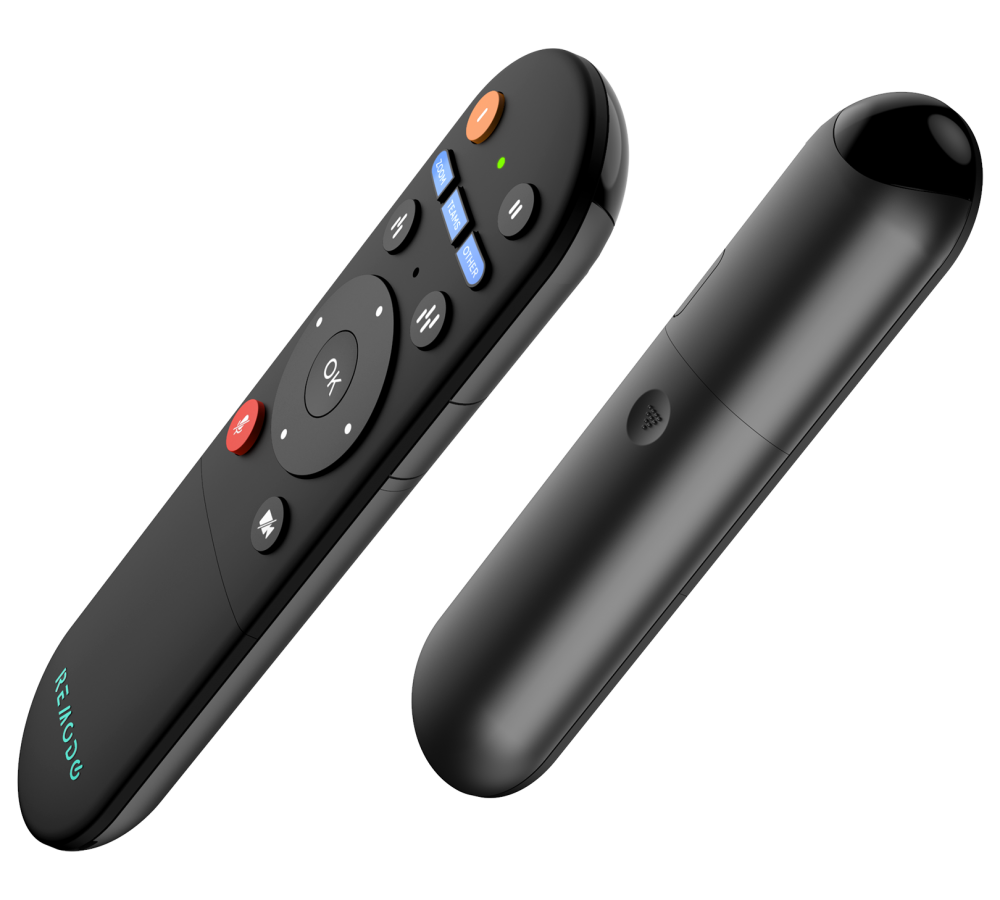
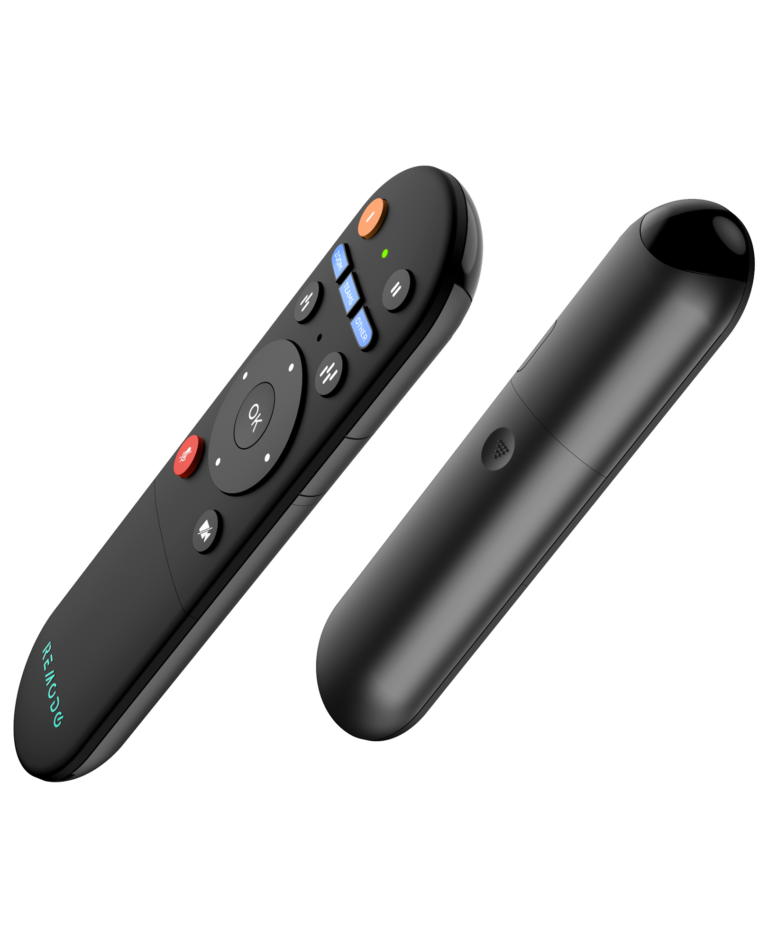
A1. The package of the Remodo VC package will include the remote and an user guide.
Q2. What applications are compatible with the Remodo VC?
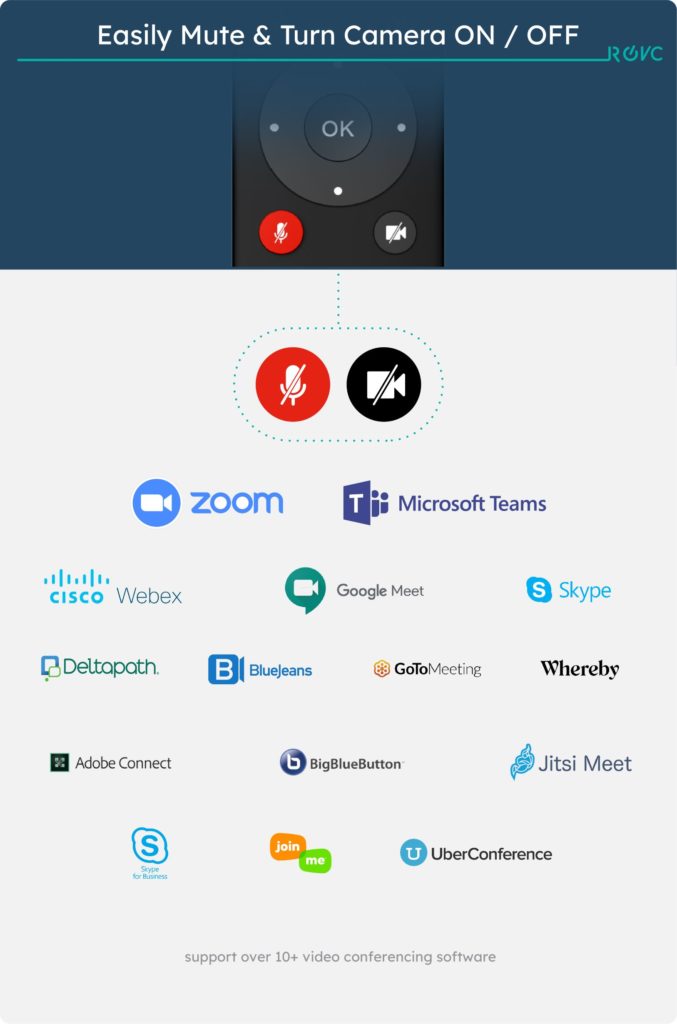
A2. The Remodo VC works with more than 10 different video conferencing systems such as Zoom, Microsoft Teams, Webex, Google Meet, Skype and much more.
Q3. Does the Remodo App support both iOS & Android?
A3. Yes, the app supports both platforms.
Q4. How do I program the Remodo VC?
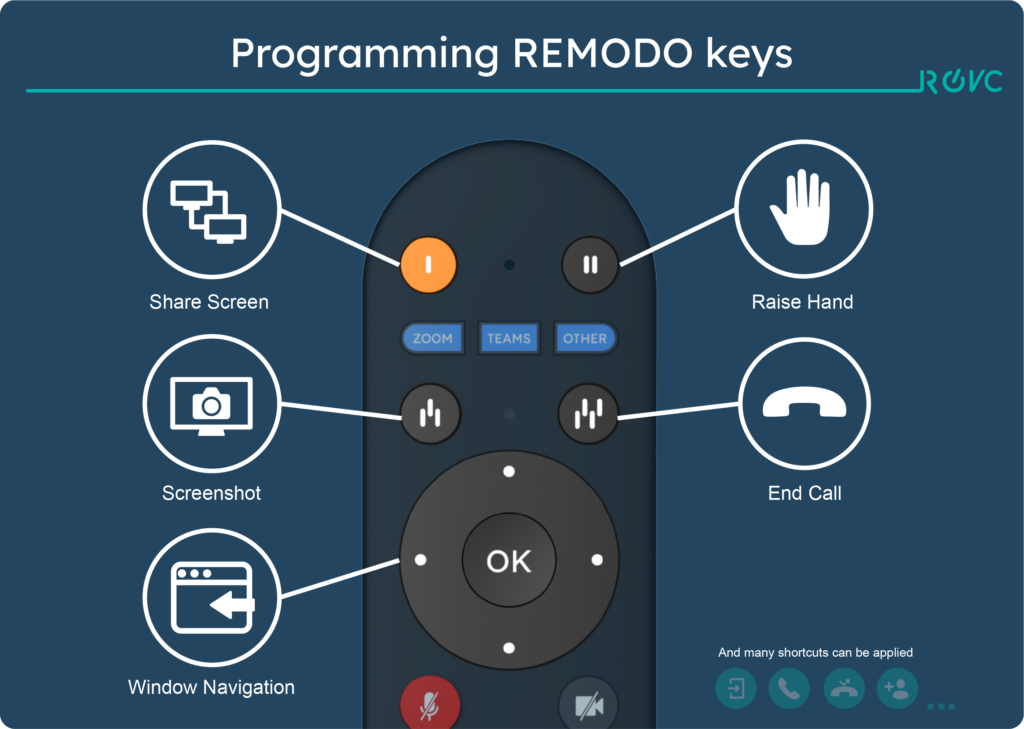
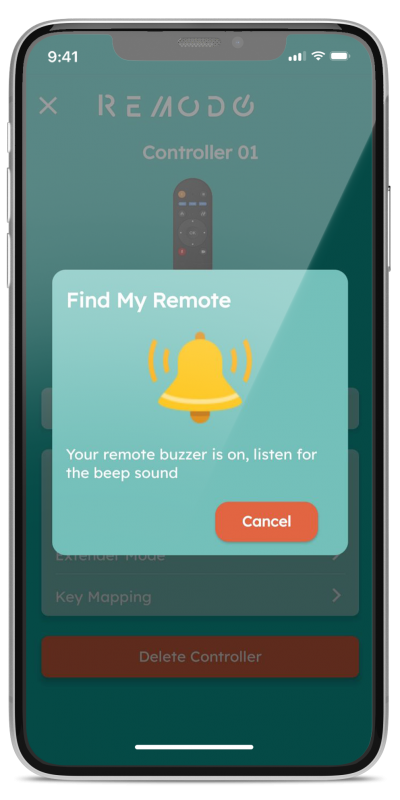
A4. You can program the Remodo VC by using the key mapping function in the Remodo apps.
Q5. Will software/firmware be updated in the future?
A5. Of course. The software / firmware will update whenever new functions are added or the current bugs are fixed. Customs can enjoy the best user experience.
Q6. Under what circumstances do I need to reprogram the Remodo VC?
A6. If you have accidentally pressed the “restore to factory setting” in the Remodo apps, you will have to reprogram the Remodo VC. However, you do not need to reprogram the Remodo VC under normal circumstances
Q7. Do I need to reprogram the Remodo VC when I replace the batteries?
A7. No, you don’t need to.
Q8. How many keys can be programmed into Remodo VC?
A8. Maximum 14 keys (one click) and can support even more long-press keys.